Setting Up The Interface
Marimo allows you to define UI elements that can be used to define the input repository, dataset, model name and number of rows to compute embeddings for. First lets setup a simple form that allows us to kick off the embedding computation.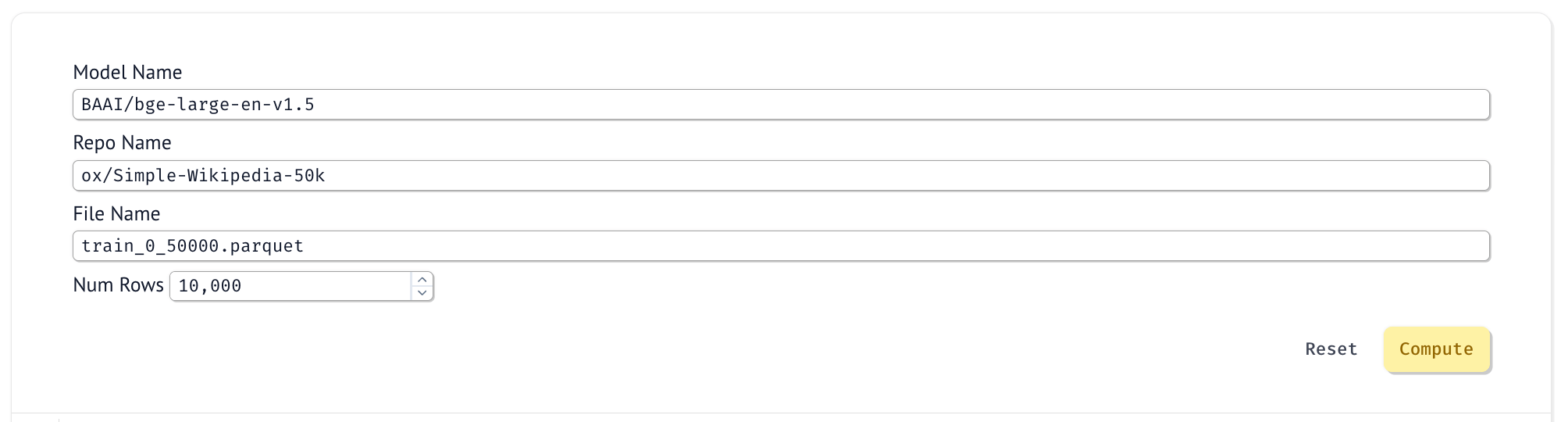
mo.stop function and check if the run_form.value is None.
Compute Embeddings
This example will use thesentence_transformers library to compute the embeddings with the default model as BAAI/bge-large-en-v1.5. Find more information about the model here.
title column, but you can compute the embeddings for any text column in the dataset. The embeddings will now be in the result_df data frame in a new column called embedding.
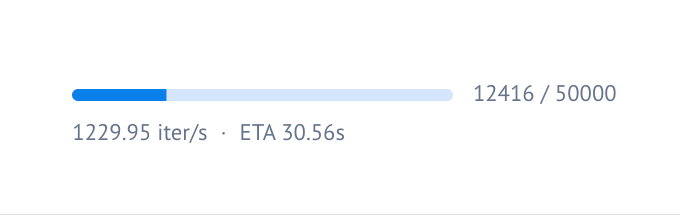
mo.status.progress_bar is used to show a progress bar in the UI as we compute the embeddings.
Save the Embeddings
Once you have computed the embeddings, save them to your Oxen.ai repository to share with your team. Oxen.ai will version the embeddings and allow you to track changes so that you can try out different models and configurations without worrying about losing your previous work.Search Nearest Neighbors
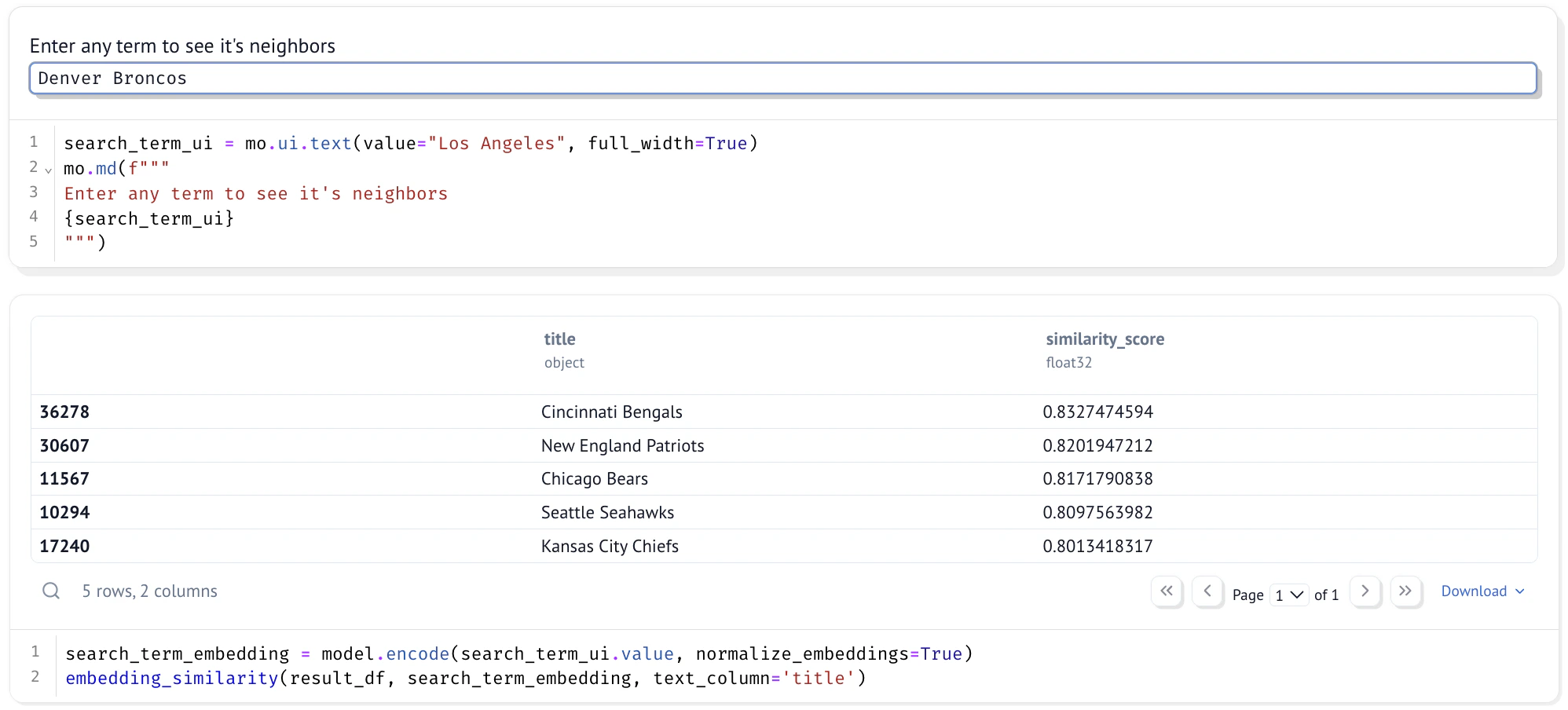
To check how well the embeddings encode the text, let’s build a little search tool. We will usecosine_similarity from sklearn to build a simple nearest neighbor search.
embedding_similarity function to search for the nearest neighbors of a query.