What are VLMs?
Vision language models extend the ability of language models to understand image and video data. As input they can accept images and videos as well as a text prompt, and as output they can generate text. For example, instead of training a classifier from scratch, you can pass in your list of categories and a description what to look for in the prompt, and let the VLM take care of the rest. Here is the list of supported models.Image Understanding
The/ai/chat/completions endpoint supports vision language models for image understanding. If you want to send an image to a model that supports vision such as Qwen3-VL, Qwen3.5, or Gemini 3 Pro/Flash, you can add a message with the image_url type.
Using Image URLs
Using Base64 Encoded Images
You can also directly pass in the base64 encoded image.Python Example
From python this would look like:Video Understanding
The/ai/chat/completions endpoint also supports video understanding through vision language models. To send a video to a model that supports video understanding, you can add a message with the video_url type.
Using Video URLs
Using Base64 Encoded Videos
You can also directly pass in the base64 encoded video.Python Example
From python this would look like:Playground Interface
Want to test out prompts without writing any code? You can use the playground interface to chat with a model. This is a great way to kick the tires of a base model or a model you fine-tuned after deploying it.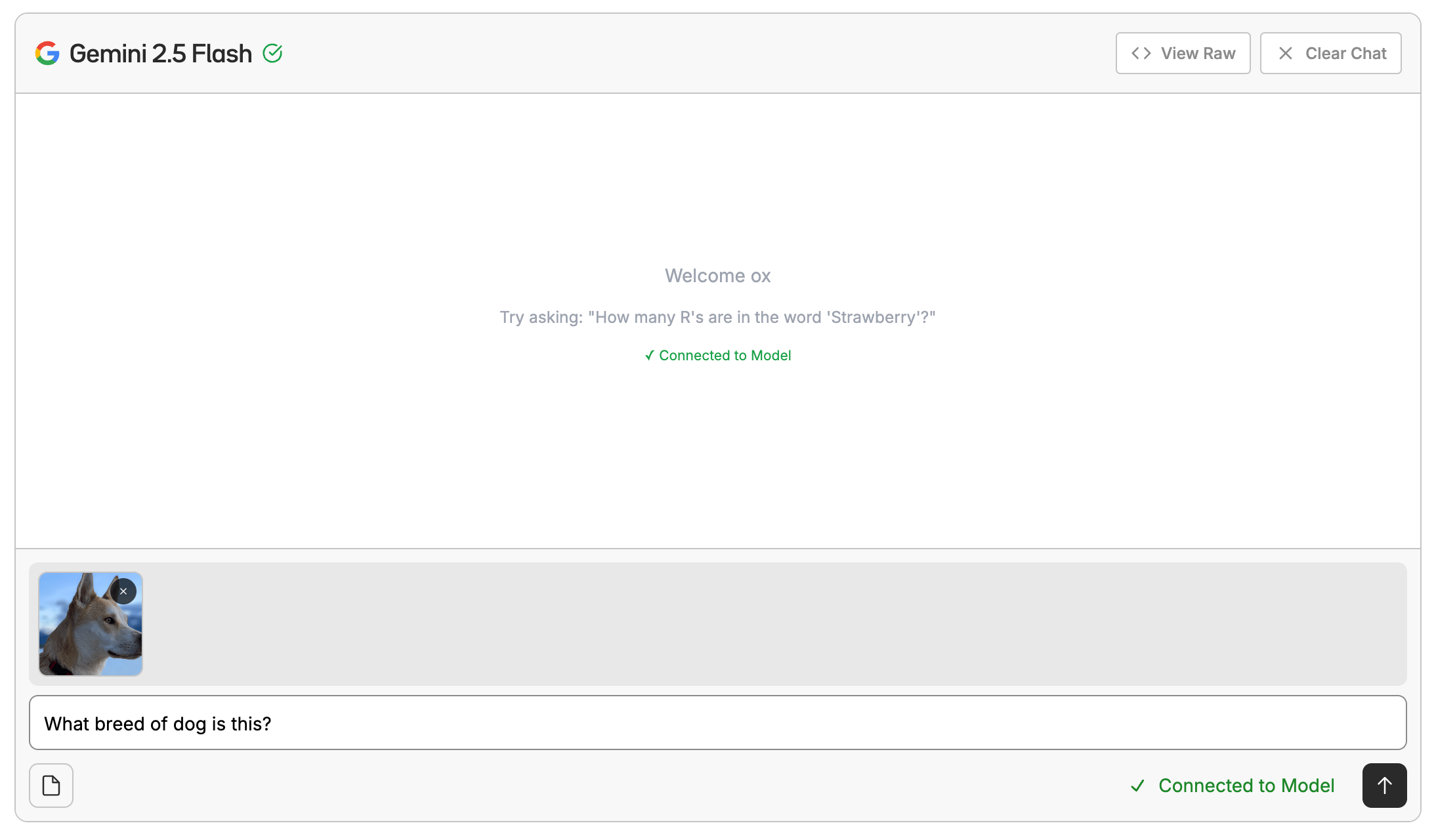
Fine-Tuning VLMs
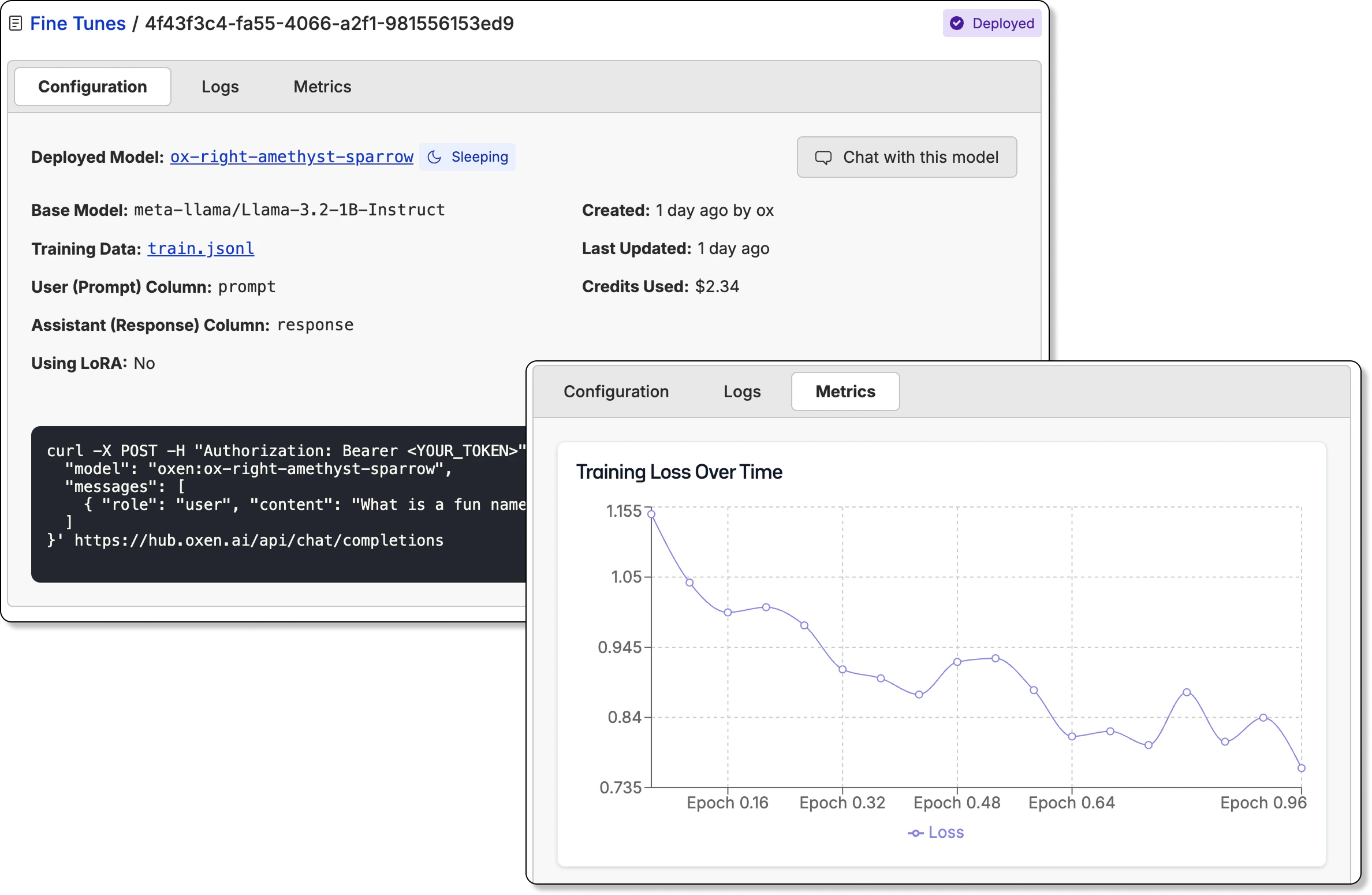
Oxen.ai also allows you to fine-tune vision language models on your own data. This is a great way to get a model that is tailored to your specific use case.